How to edit pdf metadata
- Choose a PDF.
- Enter the metadata fields you want to update.
- Save and download the PDF with the new metadata.
What this tool does
Clean up document properties before publishing, archiving or sharing a PDF.
 Private browser tools
 Fast, focused workflow
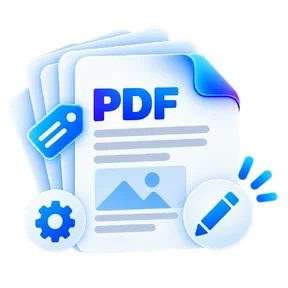
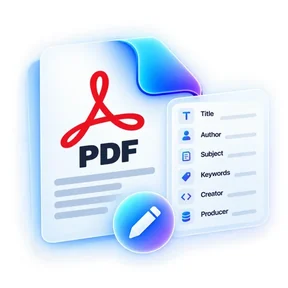
Update PDF title, author, subject, keywords, creator and producer fields.
or choose a file from your device
Clean up document properties before publishing, archiving or sharing a PDF.
No. It updates document metadata fields rather than visible page content.
Yes. Leave a supported field empty and save the new PDF.
No. ILovePDFMore creates a new downloadable file.
Edit PDF Metadata lets you update PDF title, author, subject, keywords, creator and producer fields. Open the tool in a modern browser, choose your file, apply the available settings and download the result. No account is required.
Processing note: Supported core operations are designed to process the selected file in the active browser session.
Learn what common PDF metadata fields mean, what they do not prove, and when editing metadata is useful before sharing a document.
Read guideA final pre-upload PDF checklist covering file size, page order, readability, filenames, links and text selection.
Read guideThe tool stays on one canonical URL; these location hubs add country-specific document guidance and related reading.