How to extract pdf pages
- Add one PDF file.
- Enter the pages or ranges you want to keep.
- Create and download a new PDF containing only those pages.
What this tool does
Create a focused document from a larger file without editing the original PDF.
 Private browser tools
 Fast, focused workflow
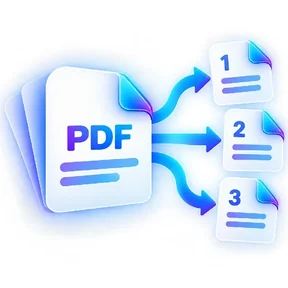
Keep selected PDF pages and save them as a new document.
or choose a file from your device
Create a focused document from a larger file without editing the original PDF.
Yes. Enter values such as 1,3,7-9.
No. ILovePDFMore creates a new PDF and leaves your original file unchanged.
No rasterization is used for page extraction.
Extract PDF Pages lets you keep selected PDF pages and save them as a new document. Open the tool in a modern browser, choose your file, apply the available settings and download the result. No account is required.
Processing note: Supported core operations are designed to process the selected file in the active browser session.
A step-by-step approach to dividing a large PDF into useful parts for email, forms and upload portals without losing track of pages.
Read guideA practical checklist for preparing PDF attachments for job, education, government and business portals while avoiding size and readability problems.
Read guideThe tool stays on one canonical URL; these location hubs add country-specific document guidance and related reading.