How to crop pdf
- Choose a PDF.
- Enter crop margins and optional page ranges.
- Apply the crop box and download the new PDF.
What this tool does
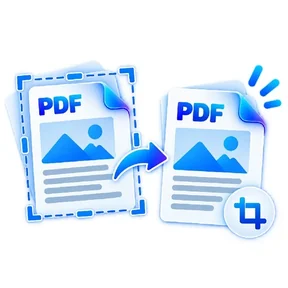
Trim scan borders, excess whitespace or printer margins without rasterizing the document.
 Private browser tools
 Fast, focused workflow
Crop PDF page margins using precise millimeter values.
or choose a file from your device
Trim scan borders, excess whitespace or printer margins without rasterizing the document.
This tool adjusts the PDF crop box. Content outside the crop area may still exist in the file. Do not use it as a redaction tool.
Yes. Enter specific page numbers/ranges or leave blank for every page.
Crop values are entered in millimeters.
Crop PDF lets you crop PDF page margins using precise millimeter values. Open the tool in a modern browser, choose your file, apply the available settings and download the result. No account is required.
Processing note: Supported core operations are designed to process the selected file in the active browser session.
Learn why cropping a PDF, changing page size and securely redacting information are different operations with different privacy consequences.
Read guideLearn how to turn phone photos or scanned certificates, statements and records into a clean, readable PDF without losing important detail.
Read guideThe tool stays on one canonical URL; these location hubs add country-specific document guidance and related reading.